Loading page...

Loading...
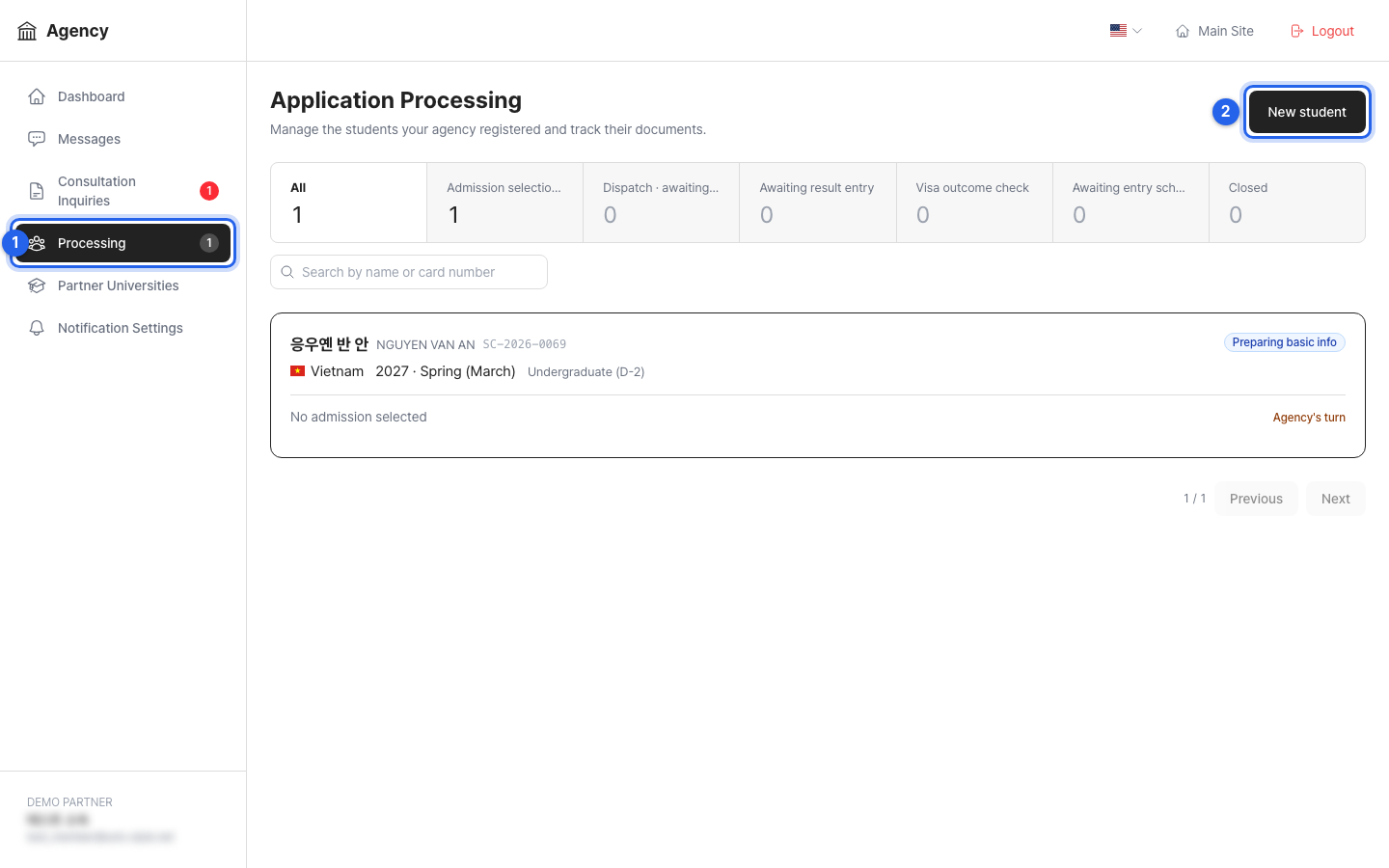
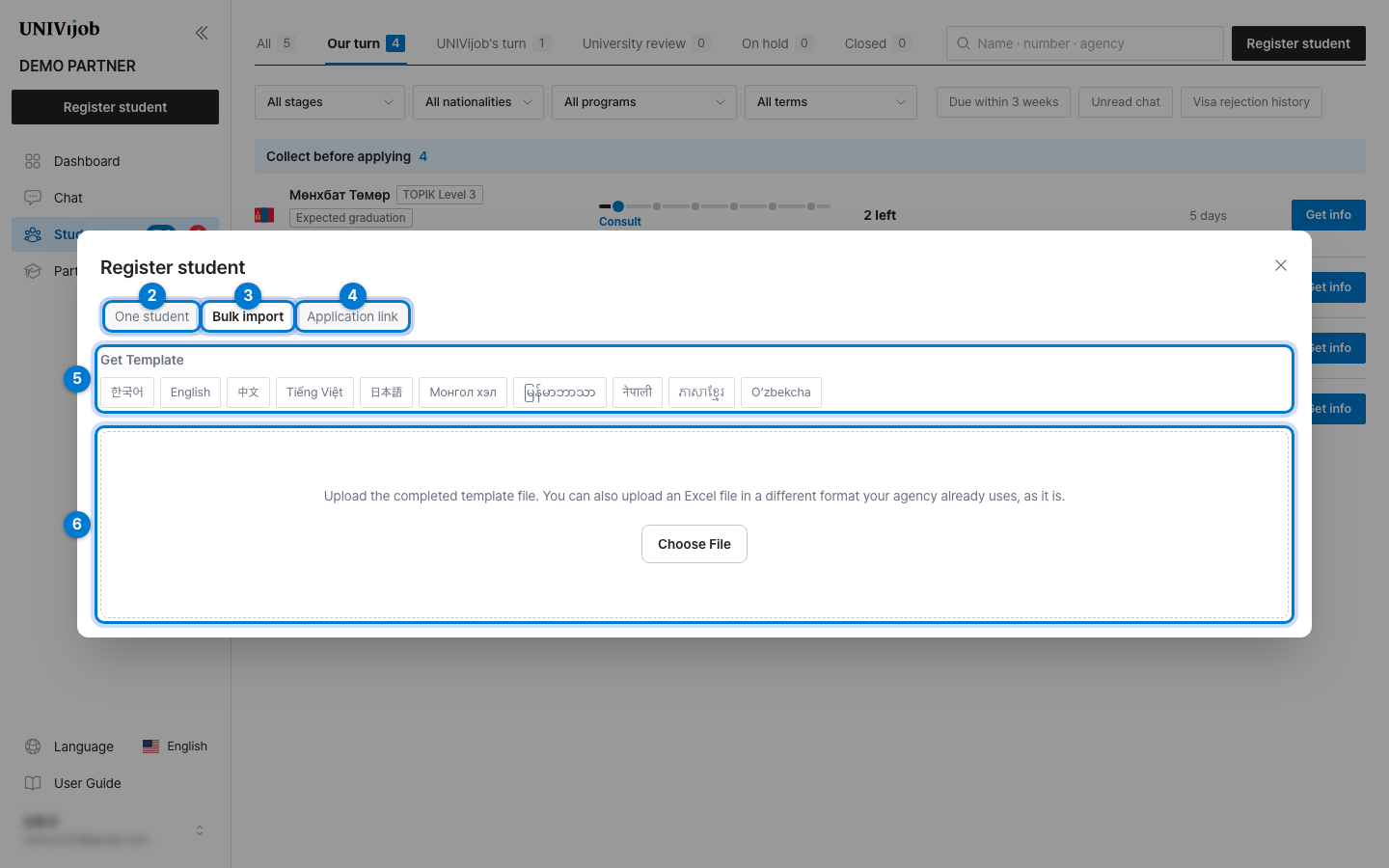
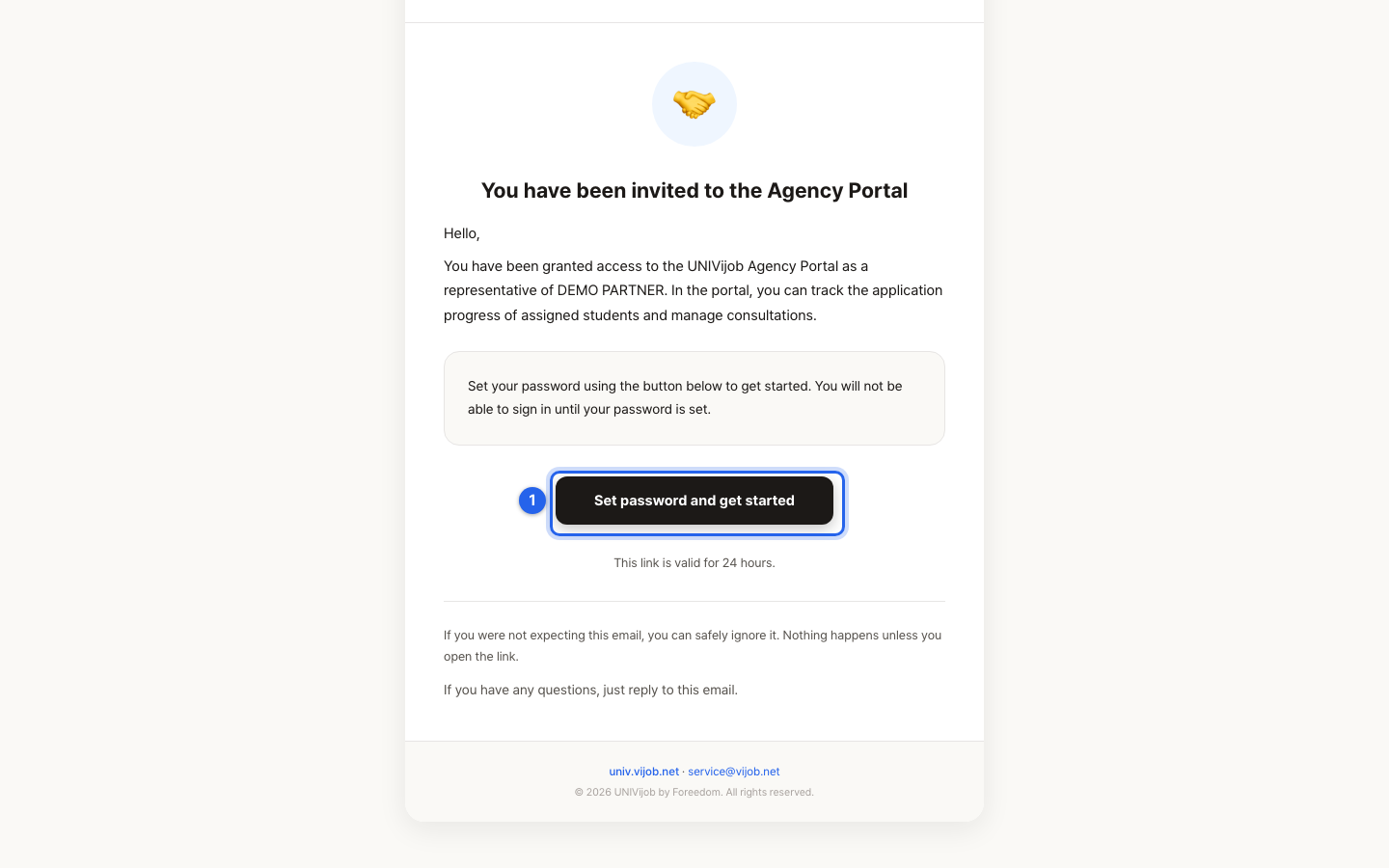
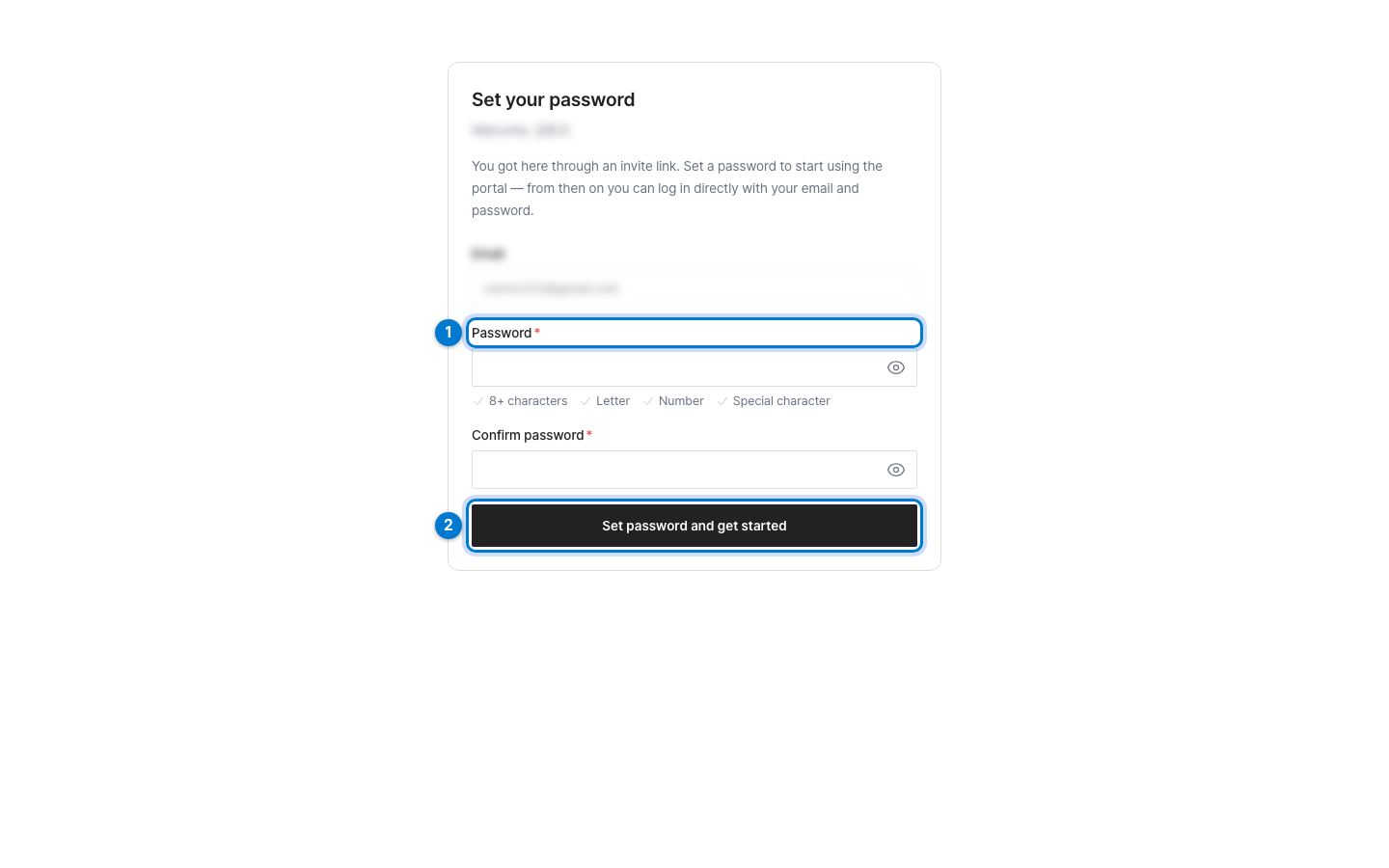
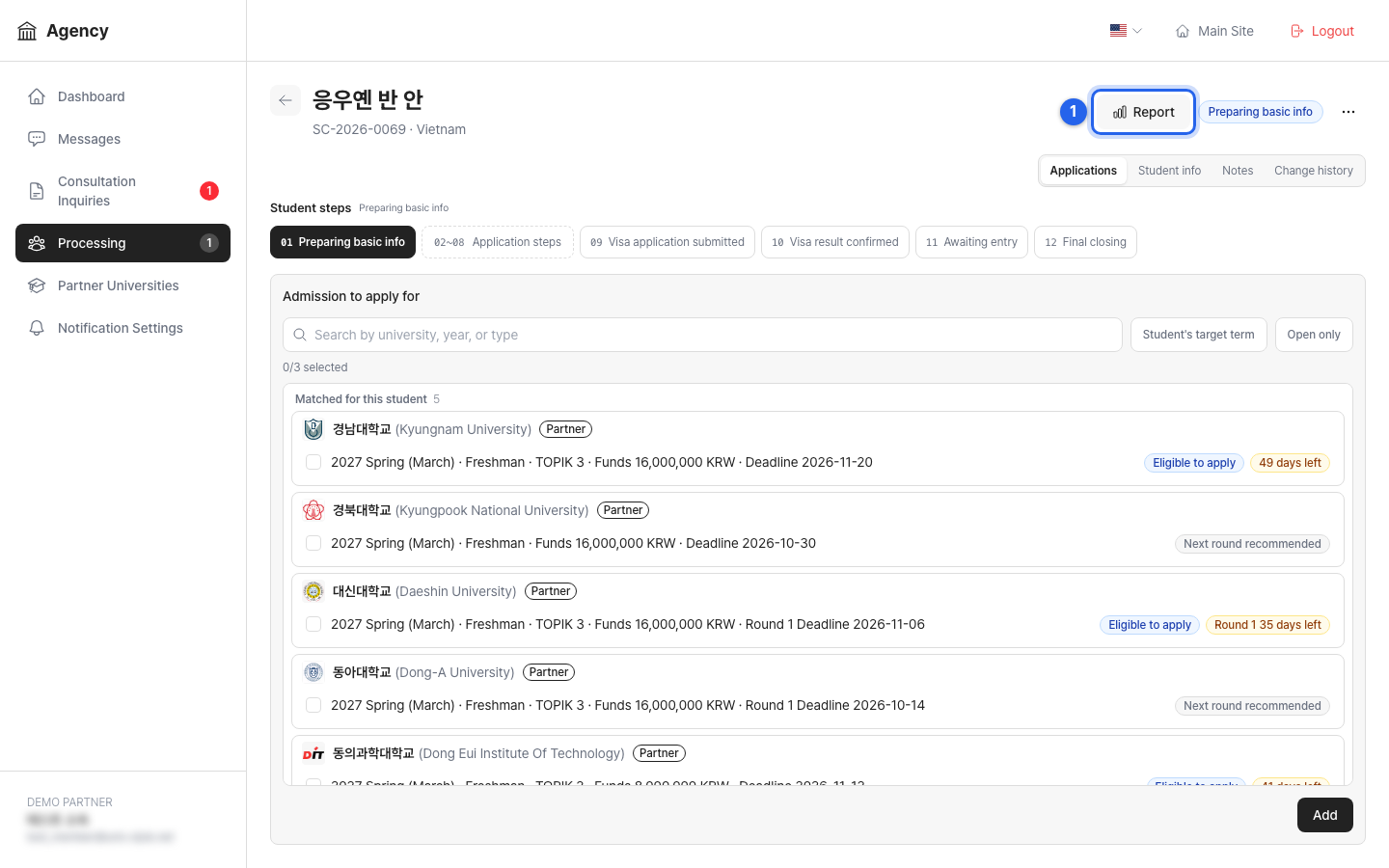
This is the order of steps from applying for partnership to receiving your first student's university matching report. The numbers in the photos and in the text point to the same spots.
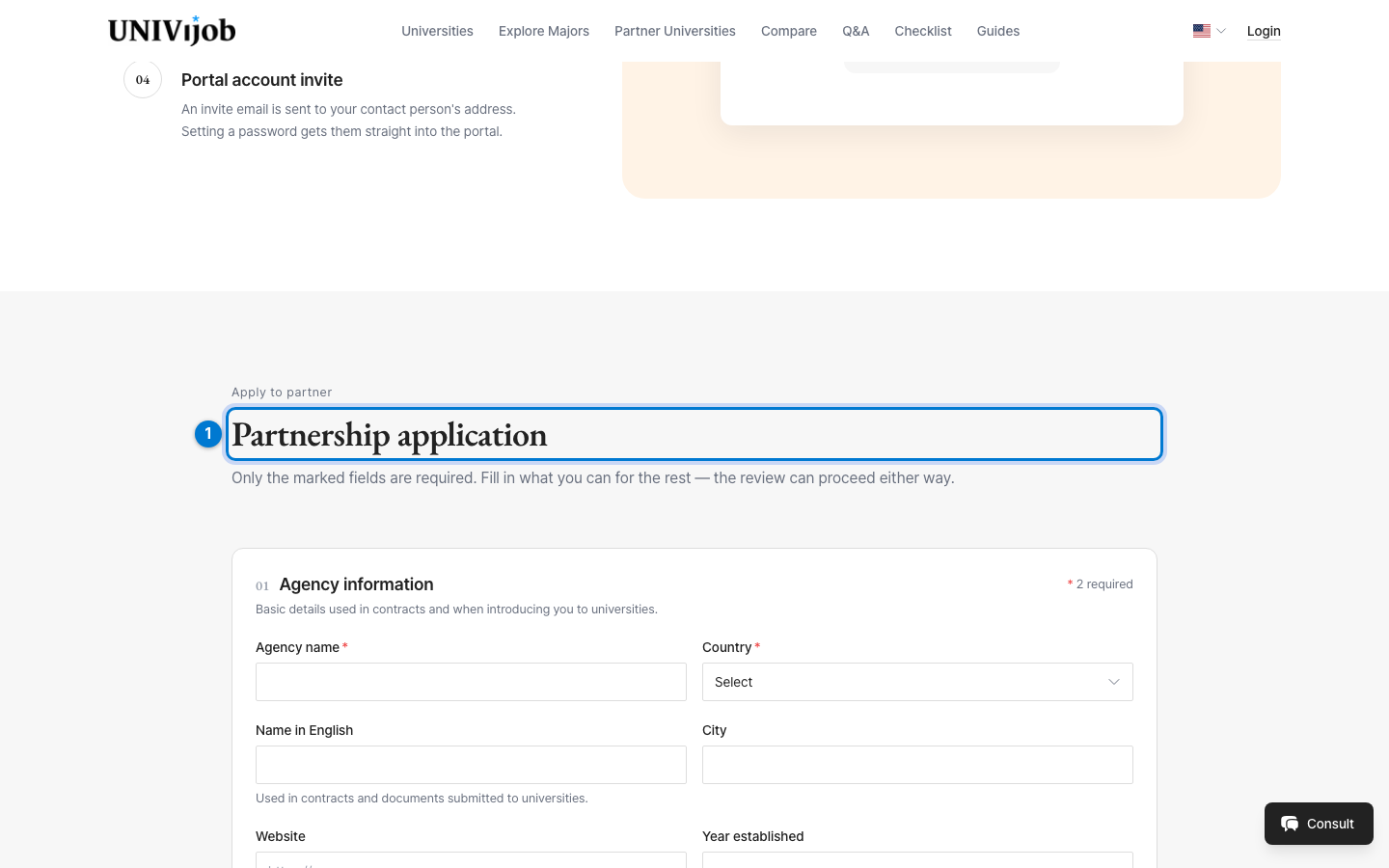
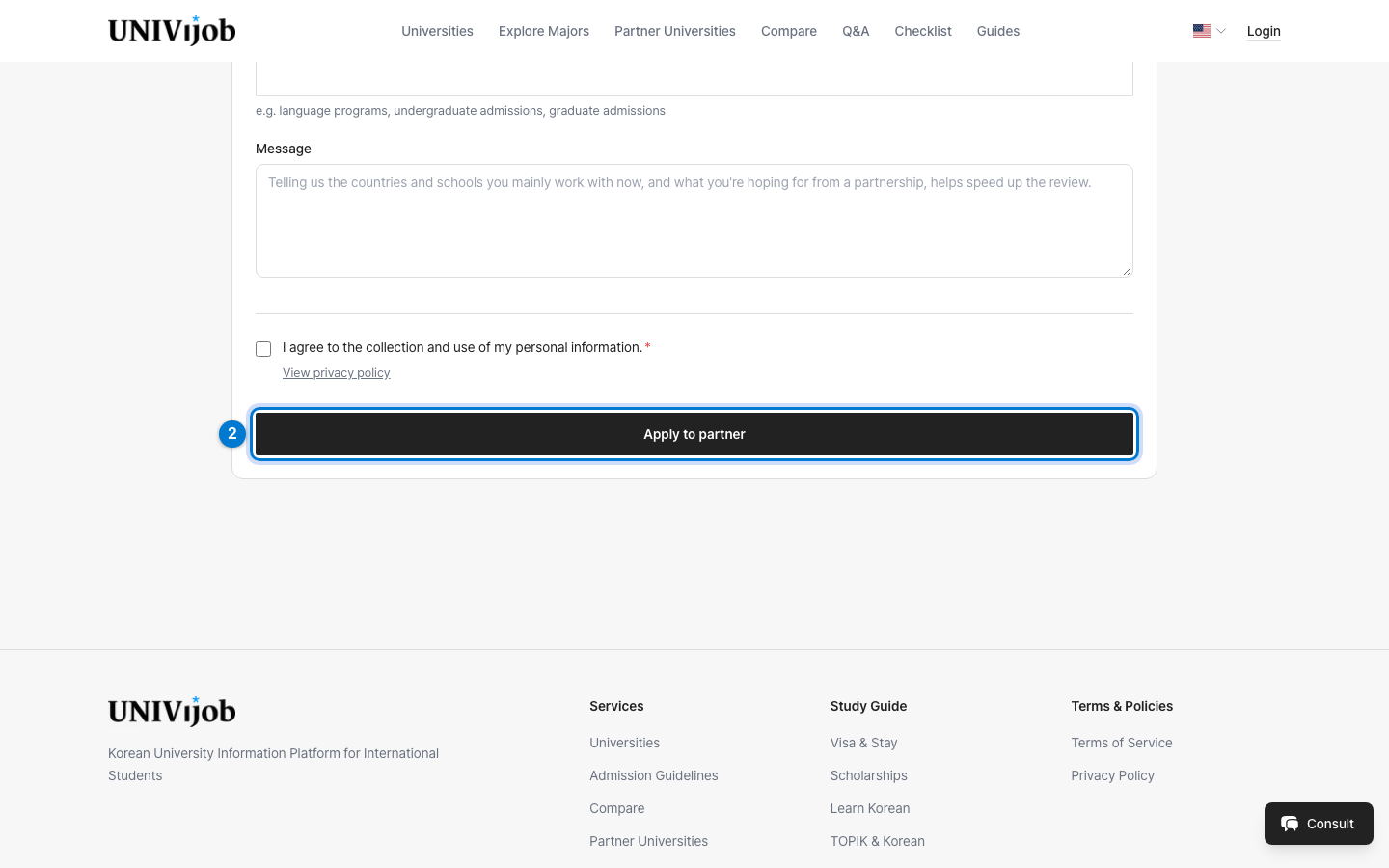
A UNIVijob administrator reviews your application and approves it. If needed, we will contact you to ask for more information. Partners that UNIVijob already knows can be approved right away.
If you cannot find the email, check your spam folder. If it is not there, ask UNIVijob to send it again.
When you sign in with the email and initial password from the email, this screen opens first. From next time, sign in with your email and the password you set here.
If the list of universities to apply to is empty, it is usually because the financial balance or target year is blank. Fill them in under Student information on the student detail page, then open the report again.
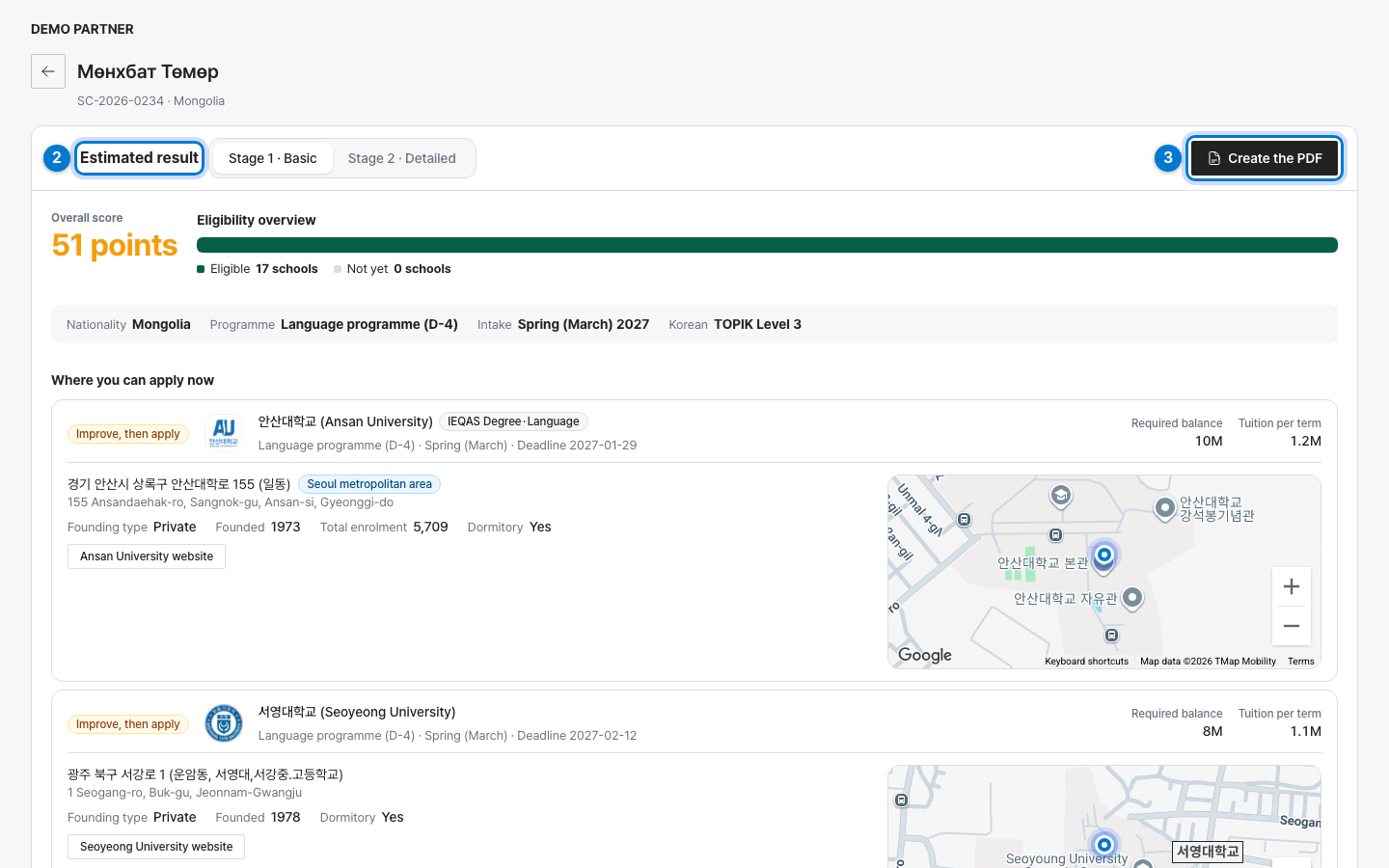
If you get stuck, please contact your UNIVijob representative.
Only the name and desired programme are required. Nationality, date of birth, email, target year and target term can be filled in later in the student details, but filling in the financial balance and language scores as well makes the matching results in the next step more accurate.